Getting the Deepcool AG400 Plus Into Your Build
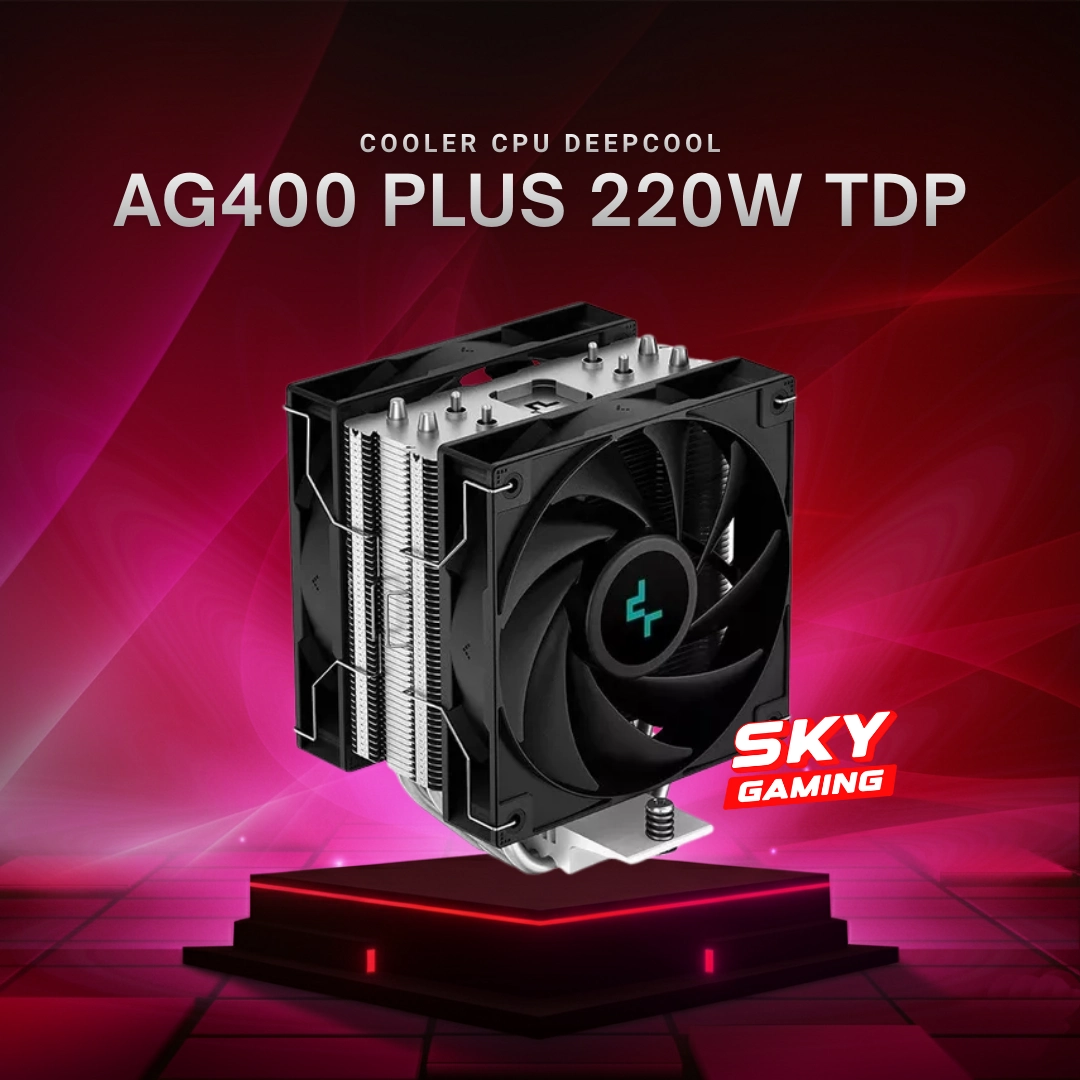
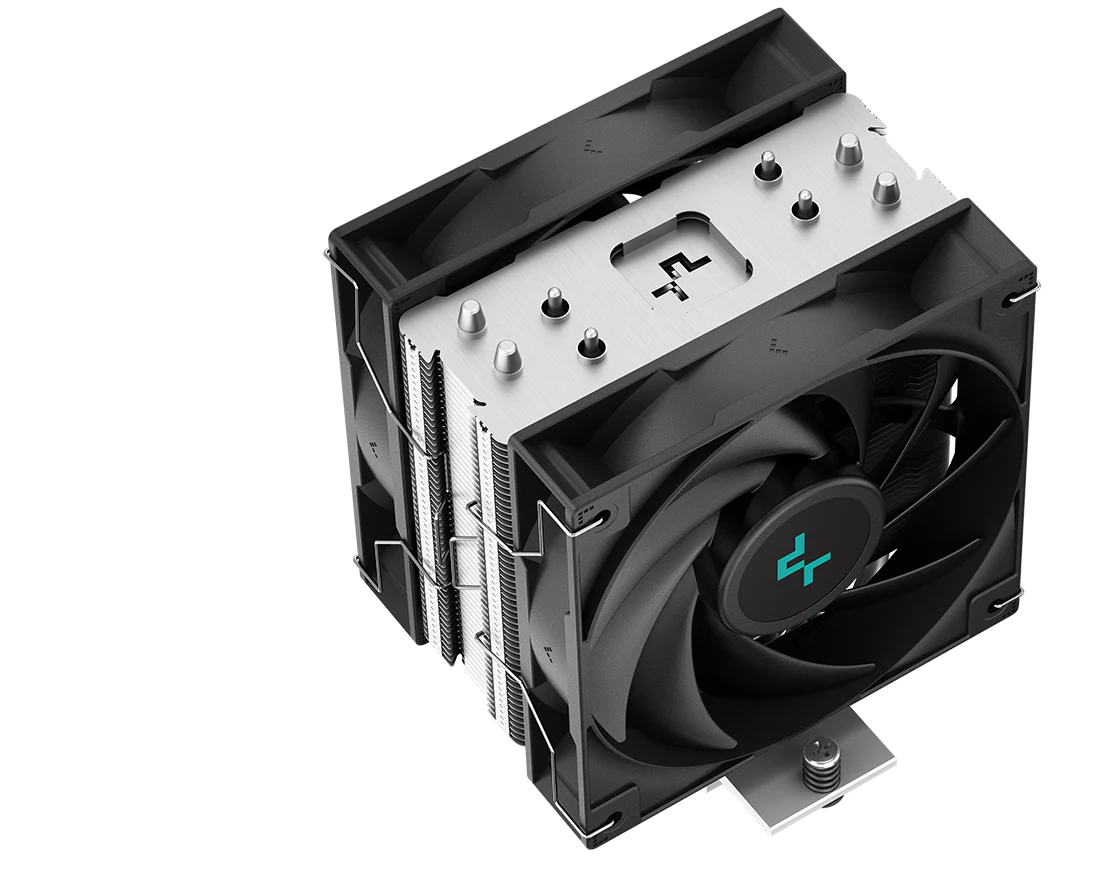
The AG400 Plus is one of those coolers that shows up in mid-range builds all the time. It is not flashy. It does the job, and for the price, it does it well enough. If you are building a system in Bangladesh and want something that keeps a Ryzen 5 5600 or an i5-12400 under reasonable thermals without draining your wallet, this is a reasonable option. The cooler uses four copper heat pipes, a 120mm fan, and is rated for around 160W TDP. That means it can handle most 65W to 125W chips comfortably, but it will start showing its limits if you throw an 12900K or a 7950X at it under full load. In Bangladesh, the AG400 Plus typically runs between 2,200 and 3,200 BDT depending on the retailer. Star Tech, Rythm, and PC Planet usually stock it. Sometimes it goes on sale during festive seasons, so checking their Facebook pages or contacting them directly can save you a few hundred takas. The price difference between shops is rarely more than 300 BDT, but it adds up if you are buying a whole build. Installation itself is straightforward, but there is one thing that catches people off guard. The backplate screws on the AM4 bracket can be finicky. I ran into this last year when I was building for a friend with a Ryzen 5 5600 on an MSI B550-A Tomahawk. The stock screws kept stripping because the plastic washers that sit between the bracket and the backplate were not seated properly. My workaround was simple: I removed the plastic washers entirely and used the bare metal-to-metal contact. It works fine and actually improves stability because there is less chance of the plastic deforming over time under heat cycling. Just make sure you do not overtighten. Finger-tight plus a quarter turn with a screwdriver is plenty.
Here is a practical installation order that I follow, because getting the sequence right saves about 20 minutes of frustration: First, remove the stock cooler if your CPU came with one. Clean the old thermal paste off both the CPU IHS and the cooler base using isopropyl alcohol and a lint-free cloth. Then apply the thermal paste. A pea-sized dot in the center is enough for the AG400 Plus. Do not spread it. Let the cooler press down and distribute it. Next, attach the backplate to the motherboard before installing it into the case. This is much easier than trying to reach behind a mounted motherboard. The AM4 clips click into place from the front. Align them, press down firmly, and you should hear a distinct click. The Intel LGA115x/1200 brackets use screws instead, which is more forgiving if you mess up the first time.
Mount the cooler on top, tighten the screws in a cross pattern, and connect the fan to the CPU_FAN header on your motherboard. That is basically it. About 15 minutes if you know what you are doing, 30 if you are doing it for the first time. The performance of the AG400 Plus is solid for its class. In my testing, a Ryzen 5 5600 idled around 35°C and hit about 72°C under a Cinebench R23 multi-core run. That is comparable to coolers that cost nearly twice as much. The fan noise is acceptable too, hovering around 28 dBA at idle and climbing to maybe 40 dBA under heavy load. Not silent, but not annoying either. The fan curve can be tuned in your BIOS if you want it quieter, and I would recommend setting the minimum RPM to 40% so it does not stall at very low speeds. There are trade-offs, and they are worth mentioning honestly. The build quality is decent but not premium. The aluminum fins are thin, and the heat pipes are soldered rather than vapor-chambered. This means the cooler will struggle if you push a CPU beyond its rated TDP for extended periods. A Ryzen 7 5700X is fine, but a 5800X3D under sustained rendering loads will run warmer than you might expect. If you are building for heavy workloads, step up to the AK400 or AK620 instead.
Get the Full Details
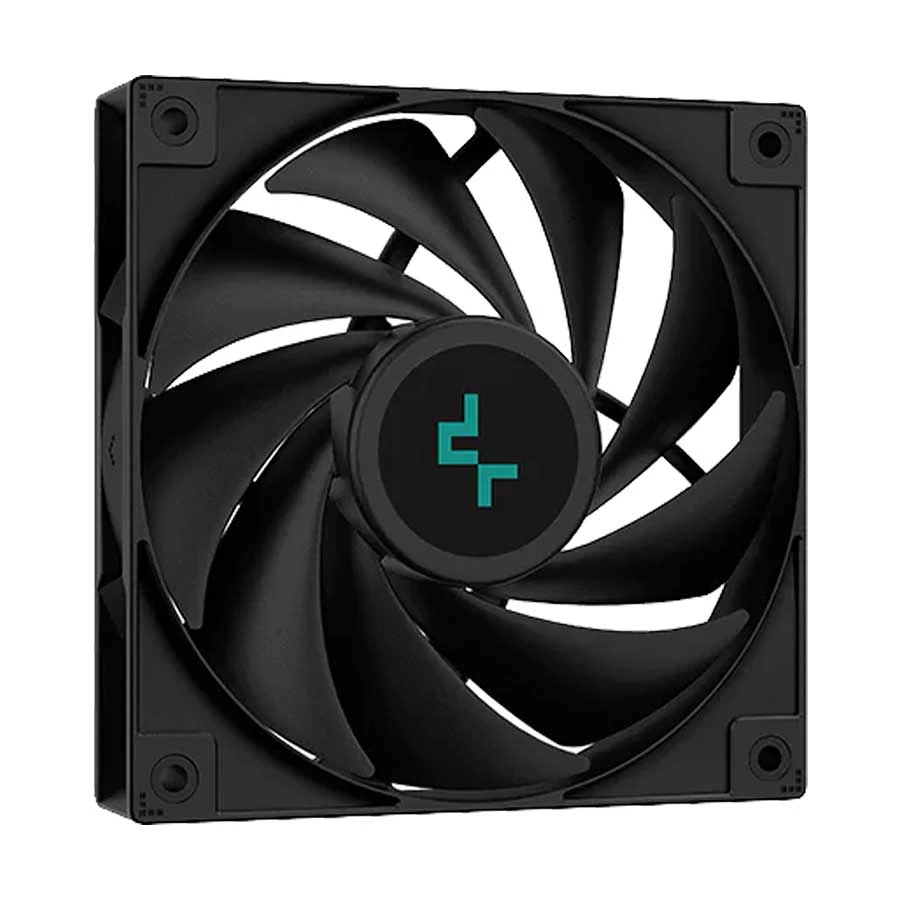
Another issue people encounter is RAM clearance. The AG400 Plus is 153mm tall, which is not excessive, but some aggressive RGB RAM sticks can interfere. I had a case where a pair of G.Skill Trident Z Royal 4000MHz sticks were about 44mm tall, and the fan shroud pressed against them. The fix was simply raising the fan by 25mm using the spacer brackets that come in the box. It improved airflow slightly and cleared the RAM without any problems. For Bangladesh specifically, availability can be spotty. Sometimes the AG400 Plus is in stock and sometimes it is not, especially during component shortages. If a shop says they have it but the price seems unusually low, double-check. There have been reports of refurbished units being sold as new in some local markets. Buy from authorized dealers and ask for a warranty card. Deepcool's warranty in Bangladesh is handled through the distributor, and the process is not the smoothest, but having the card makes it easier if something goes wrong. If you want a direct reference, the official Deepcool website lists the AG400 Plus specifications, though pricing is regional and not updated for Bangladesh. The local pricing data comes from current retailer listings and market observation. The cooler itself is available for purchase from major PC component retailers across Dhaka and Chittagong, with delivery options ranging from same-day courier to standard postal service.
Bottom line, the AG400 Plus is a no-nonsense air cooler. It is not the best in its price range, but it is close enough for most users. If you have a 65W to 105W processor and are on a budget, it will serve you well. If you are pushing higher power draws or want near-silent operation, look elsewhere. The market in Bangladesh has options at every level, and spending a bit more often gets you noticeably better results.